How my final exam project grew into the platform a school for film, multimedia and software development runs on every day, with a web panel, a mobile app, a desktop app, an emergency alarm, student Linux servers and more than 1,100 commits.
- For
- Creative Hill College, a secondary school for film, multimedia and software development
- Started as
- My final exam project, 2025/26
- In use
- Every school day since September 2026
- My part
- Everything: design, backend, web, mobile, desktop, infrastructure
- Stack
- Laravel, Inertia, React, Flutter, Tauri, Go
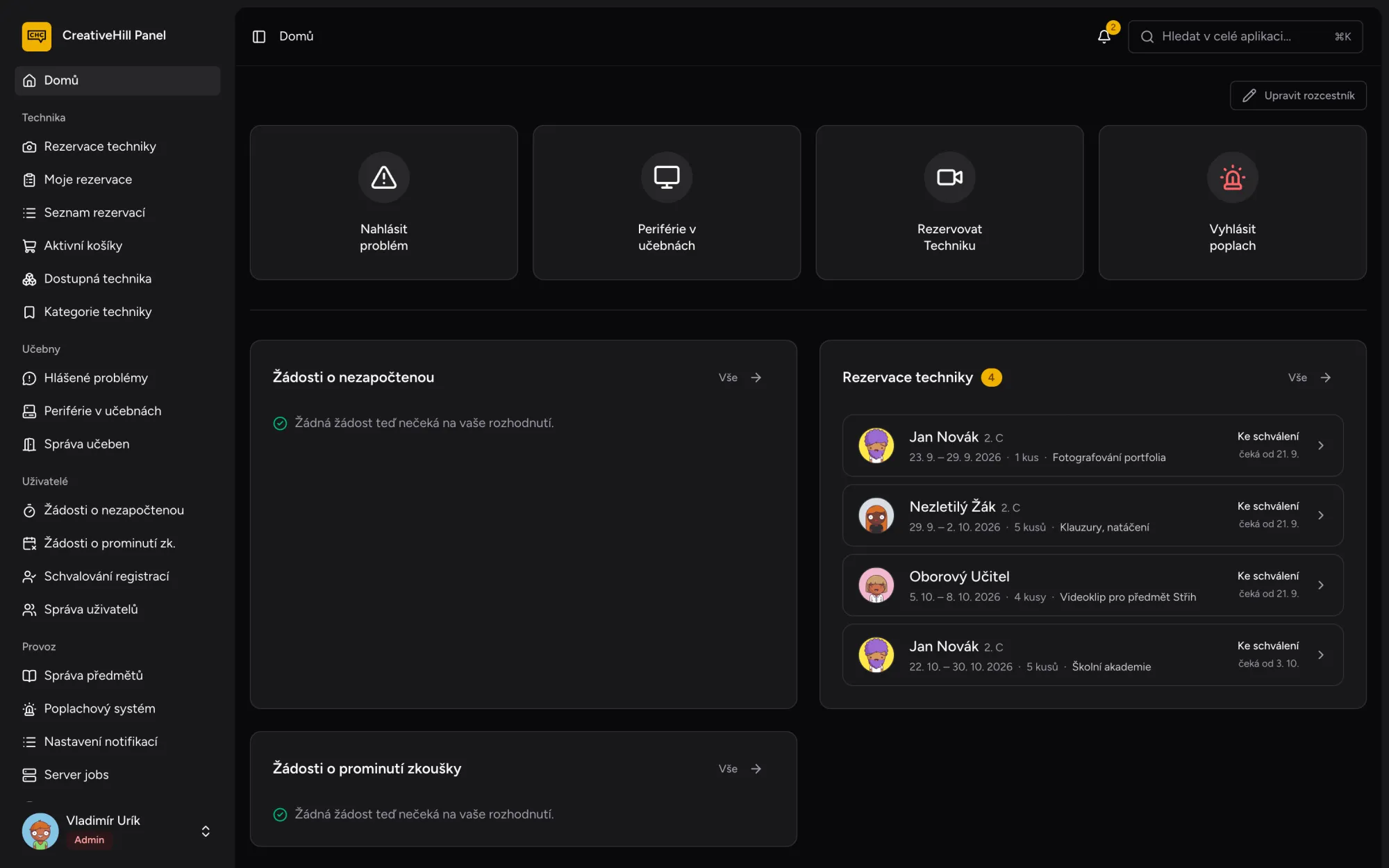
The panel began as my final exam project in the 2025/26 school year at Creative Hill College, a secondary school for film, multimedia and software development. The school ran on paper and spreadsheets: equipment was booked on a separate website, teachers counted keyboards on printed forms after every lesson, broken computers went into a shared Excel sheet, and an excuse for a film shoot had to be printed and carried around for five signatures.
The goal was one place for all of it, for students, parents, teachers, the equipment manager, the admins and the principal, each seeing only what their role allows.
It did not stay a school project. After the exam the real build began: four out of five commits landed between July and November 2026, in September it went into daily use across the school, and today I run and maintain it for the school.
- registered users
- 400+
- people on an average school day
- 80
- things to borrow
- 130+
- first school year in daily use
- 2026/27
Less paper was part of the plan too: the school now prints thousands fewer sheets every year.
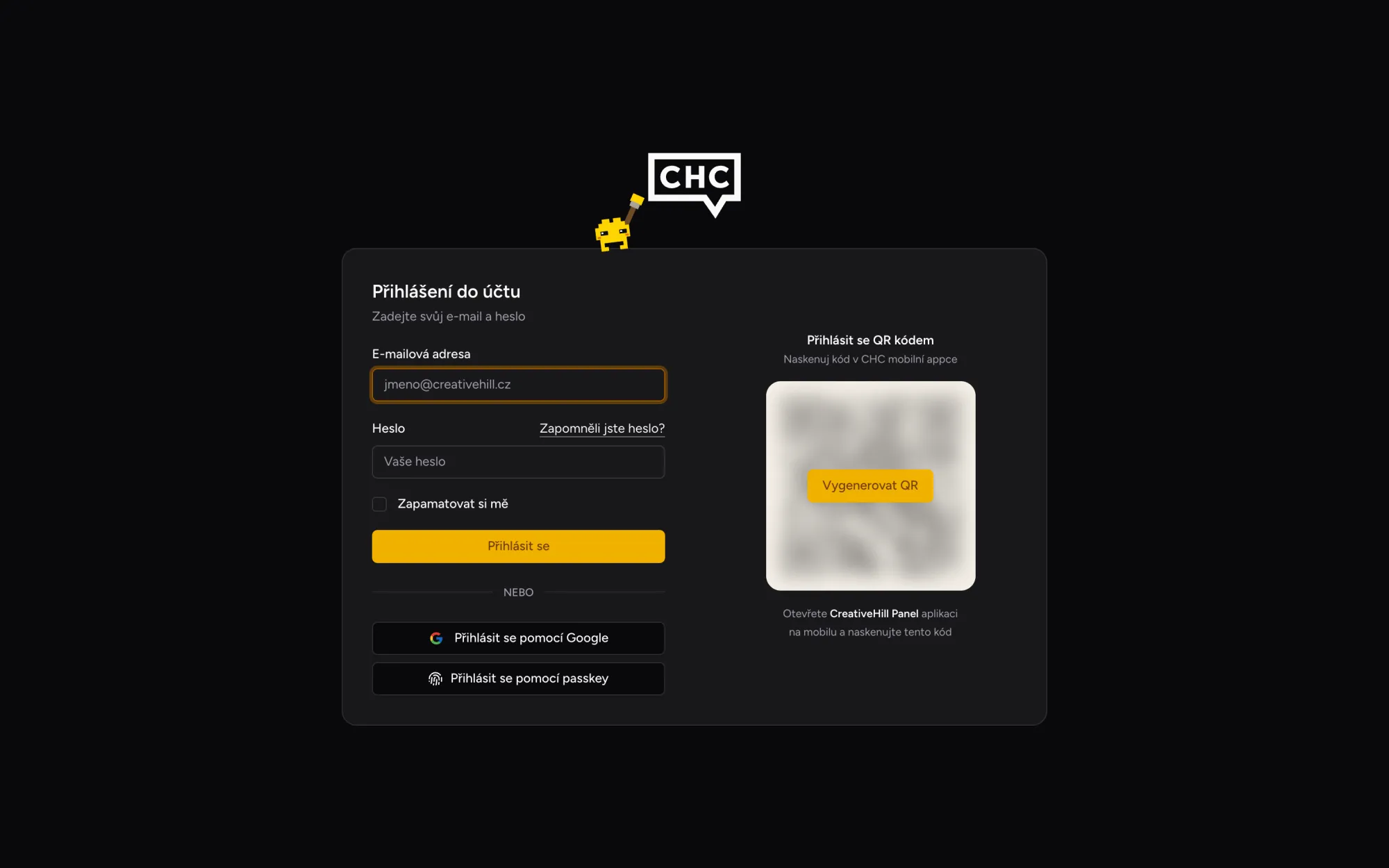
Nobody fills in a registration form. The first sign-in with a school Google account creates the account with the student role, the one with the fewest rights, and an admin can raise it later. Parents get an account of their own, and the class teacher confirms every new student.
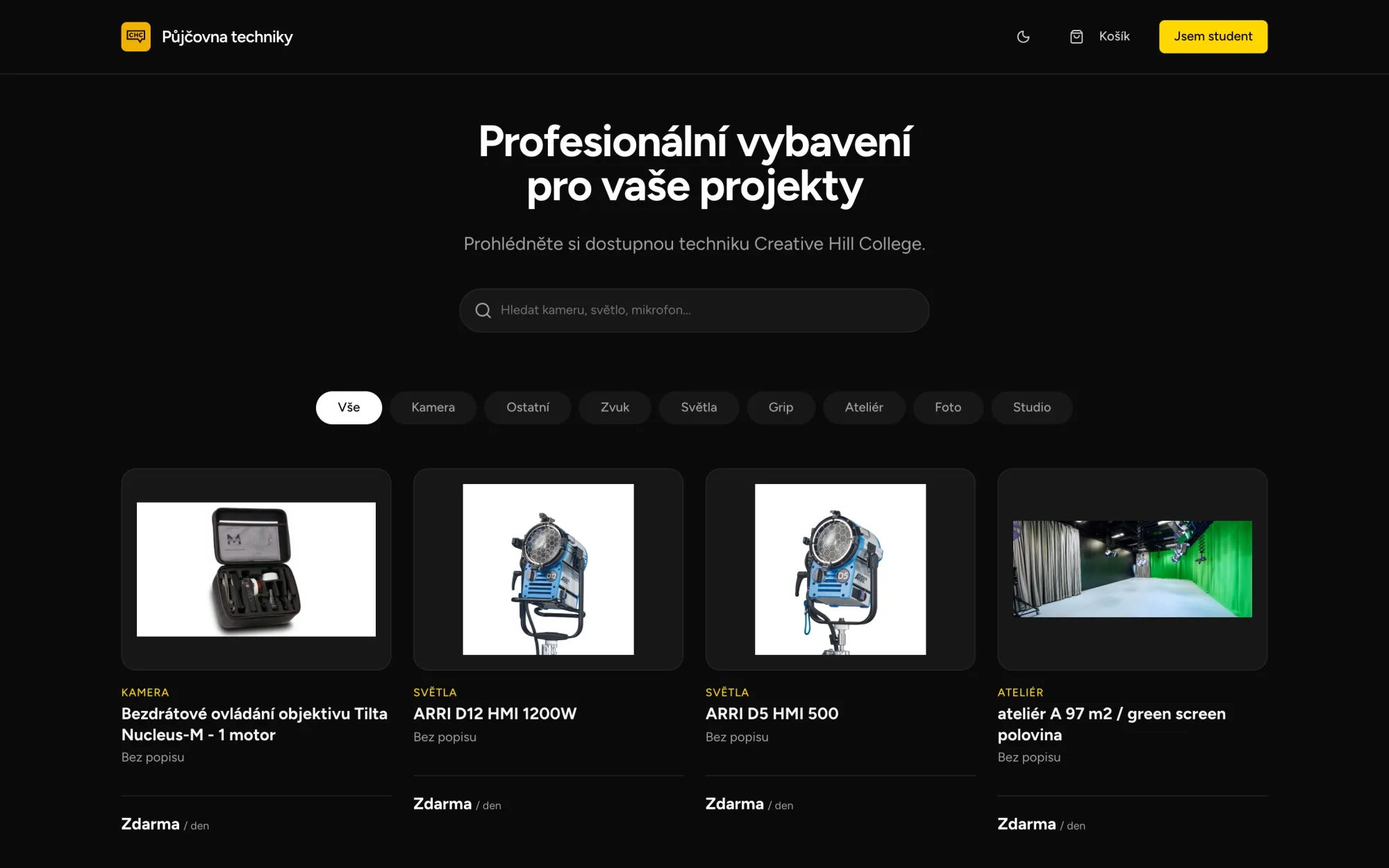
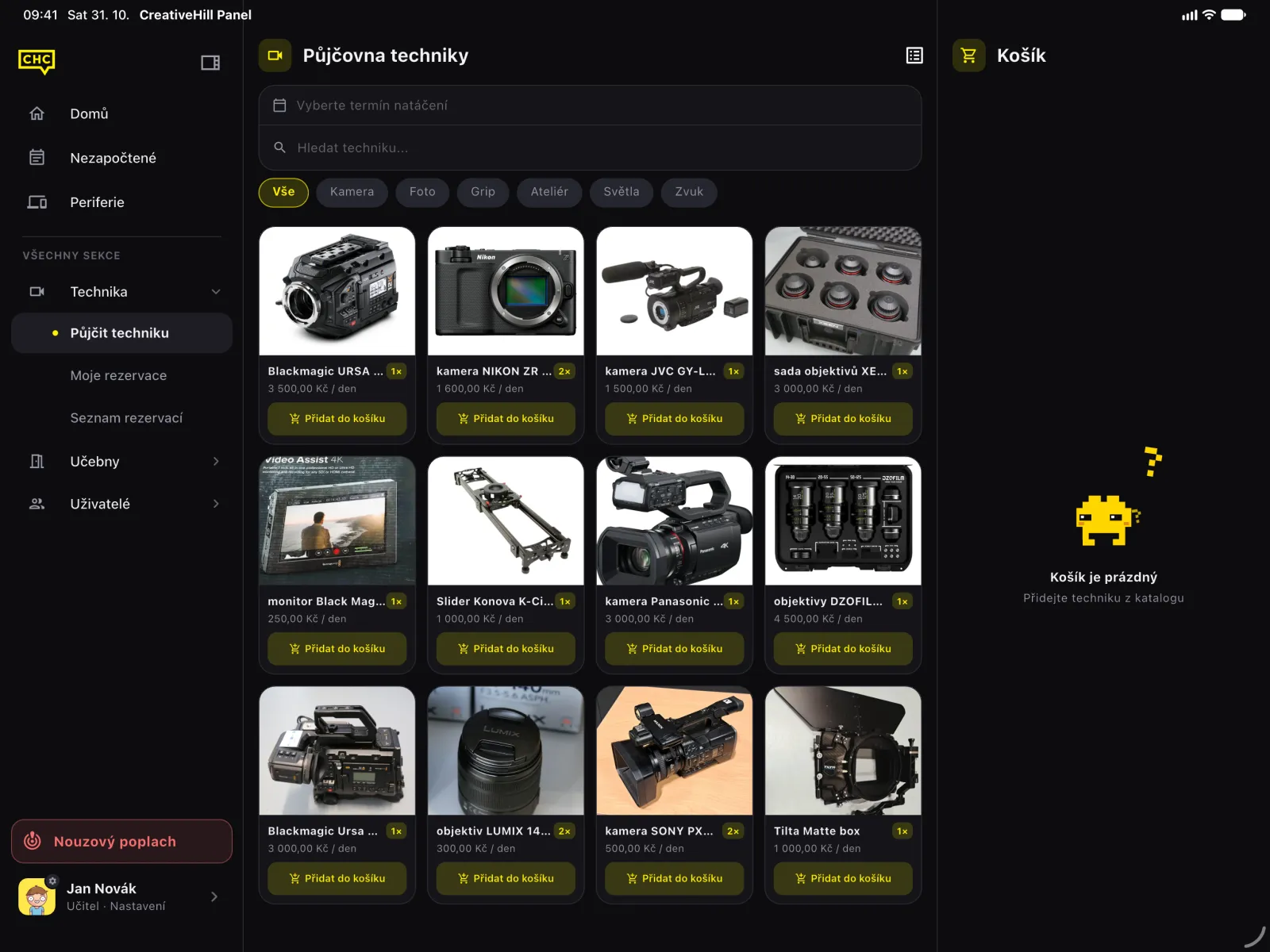
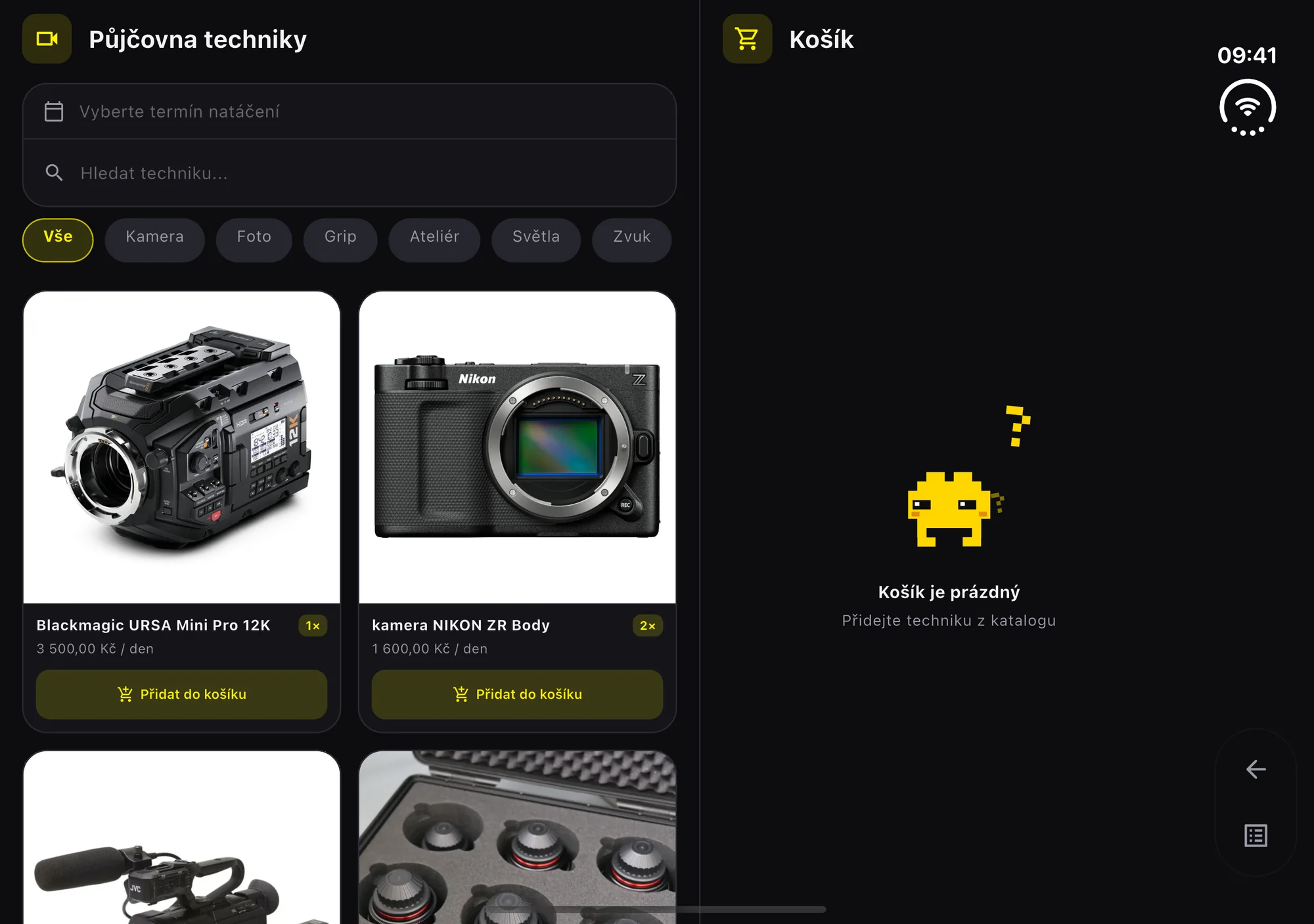
The rental replaced the school's separate booking website, so equipment now shares accounts, roles and notifications with everything else. Students browse cameras, lights, lenses and whole studios, pick a date range, fill a cart and send it for approval, and the equipment manager approves, hands out and takes back. Availability is checked against every overlapping reservation, unreturned gear included. School projects borrow for free, extracurricular ones get a discount, and a public catalogue lets anyone look before they even have an account.
Film students regularly miss lessons for exams and shoots, sometimes a whole crew of dozens at once. Each of them used to need a printed form signed by the student, a parent, the specialist teacher, the class teacher and the principal, then handed in at the office. Now the request is filed online and moves through the approvals in a fixed order: parent, specialist teacher, class teacher, principal. Everyone gets a notification when it is their turn, and a PDF for the school's records is generated automatically.
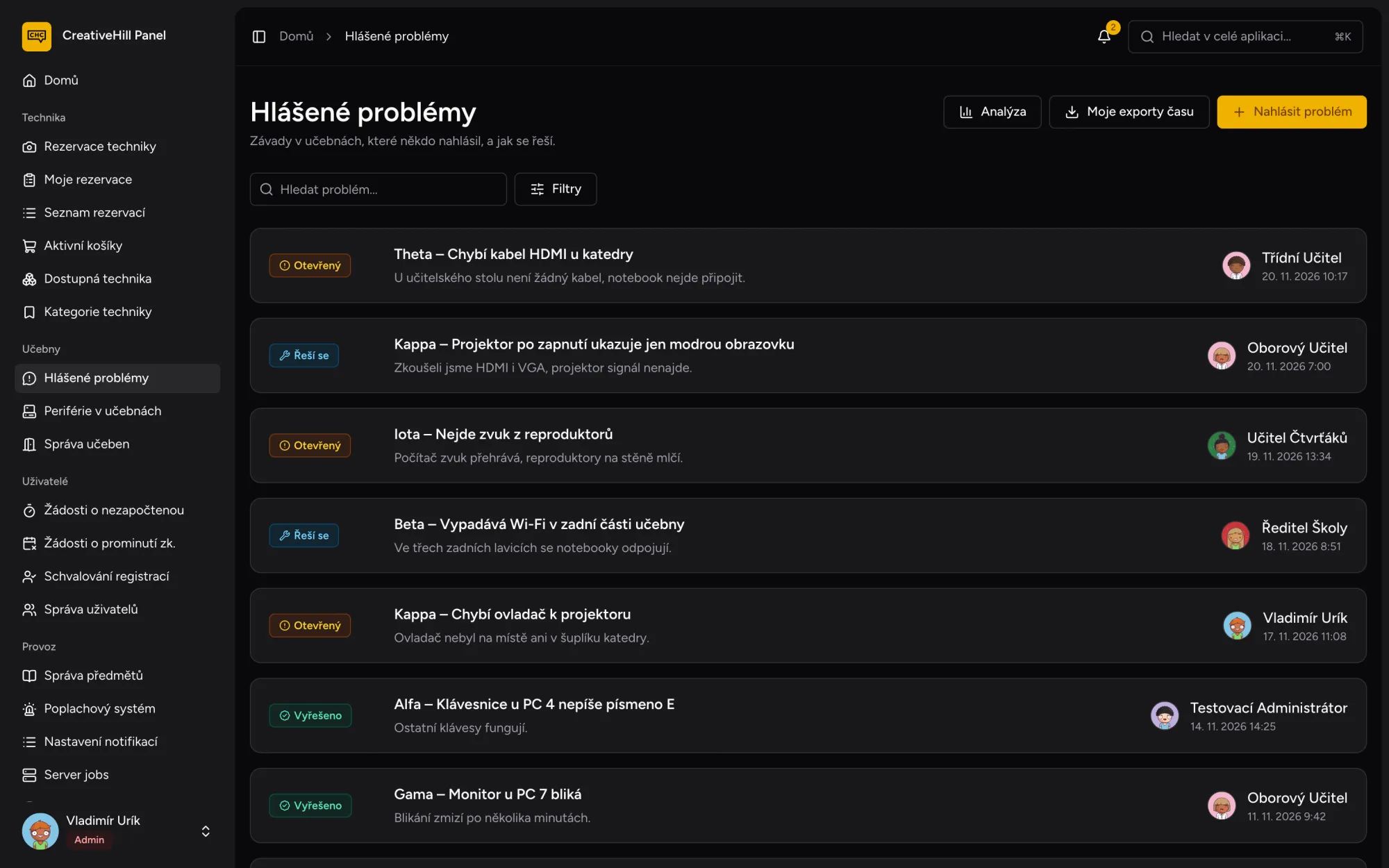
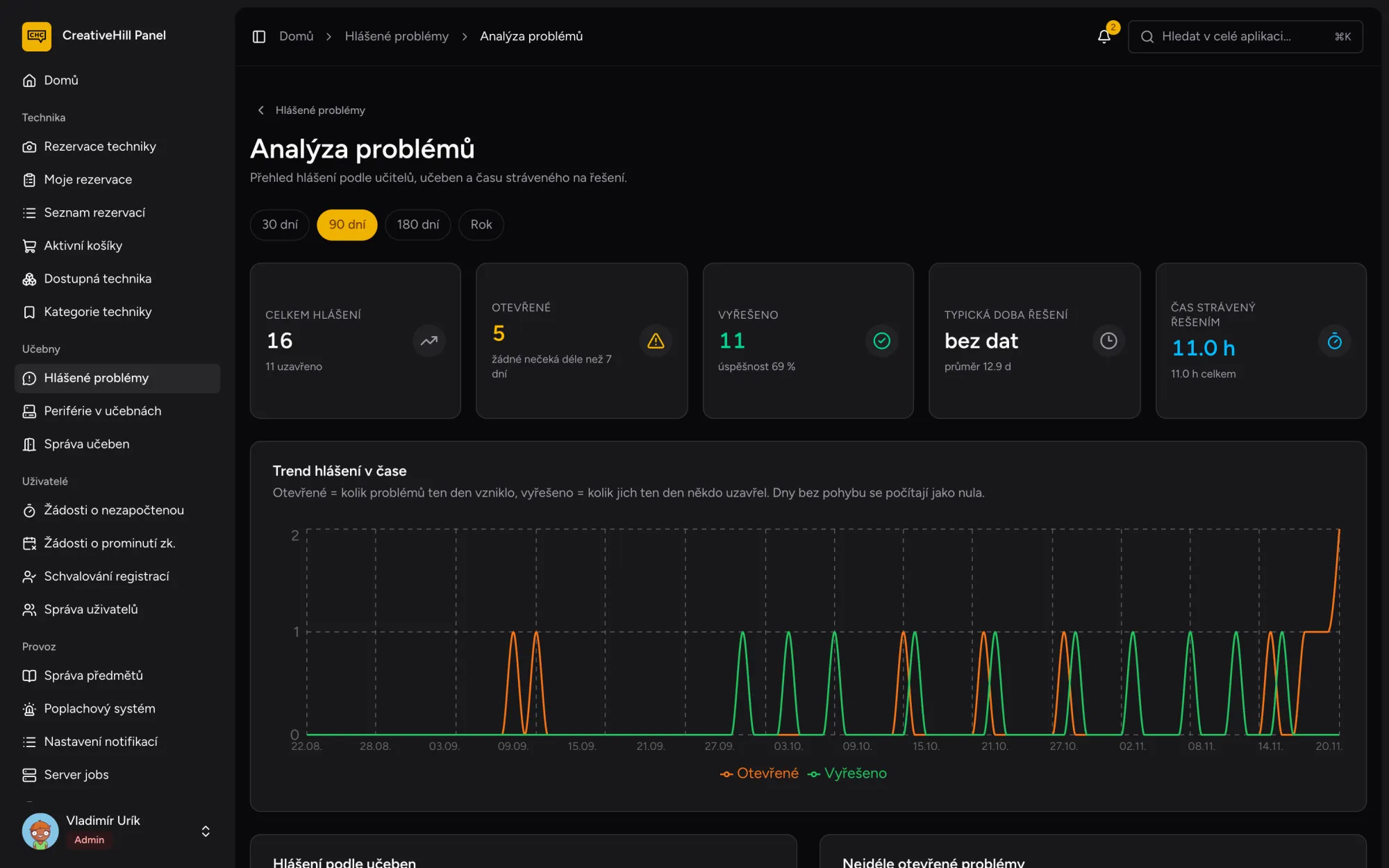
Broken computers used to go into a shared Excel sheet, and whoever fixed them tracked their hours in a second one. Now teachers report problems by classroom, with photos, and discuss them in comments under each report. Whoever fixes a problem moves it from open to in progress to resolved and logs the time it took, which adds up to a monthly PDF report for the school's management. The analytics show which rooms keep breaking.
In the computer classrooms, teachers used to count keyboards, USB adapters and drawing tablets after every lesson and write the numbers on a paper form that nobody could search. Now they log the count in the panel: the form is prefilled with the last numbers, several lessons can be logged at once, and charts show which room and which lesson keeps losing things.
The Flutter app started in January 2026 and grew up over the summer. In one July week it got a design system of its own with a custom bottom bar, a PIN lock with Face ID for staff, unread badges on the app icon and reservations exported to the calendar. Every module notifies through the same pipeline: in the app, as a push notification on the phone and in an email digest when unread notifications pile up. And somewhere in it hides an easter egg.
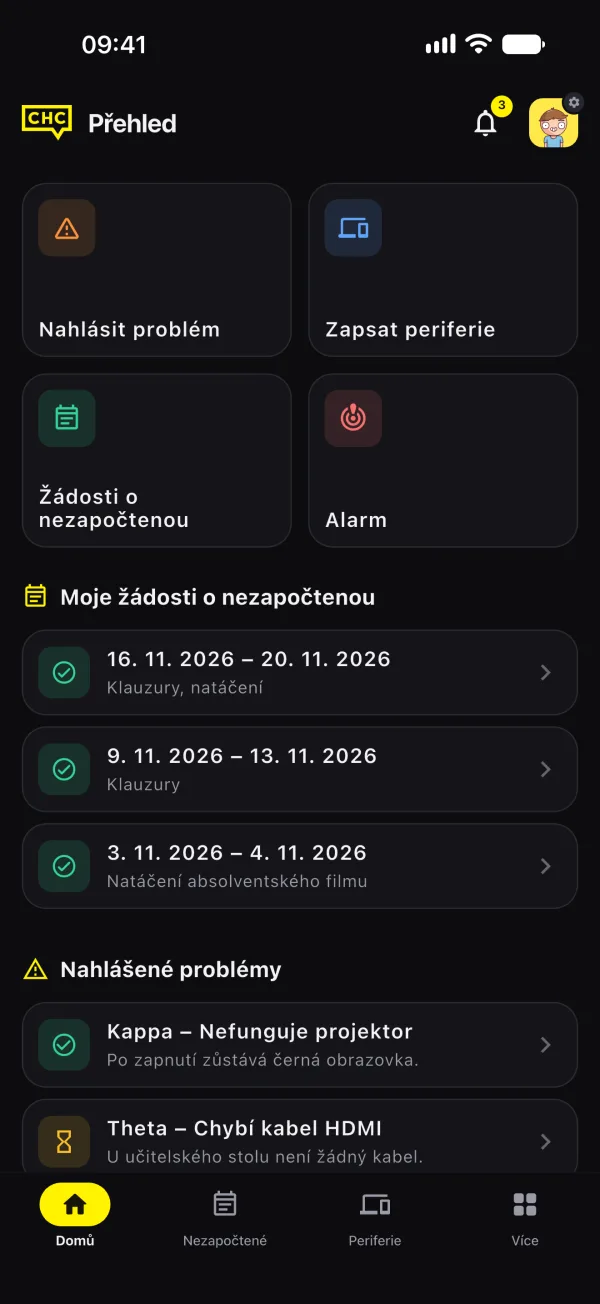
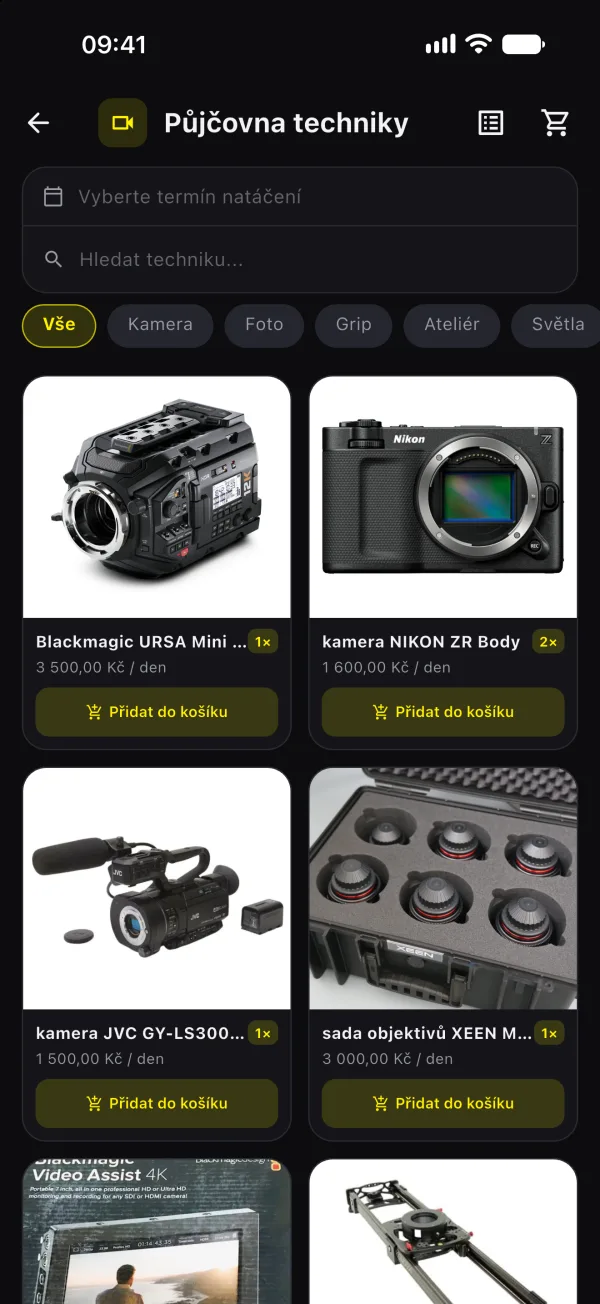
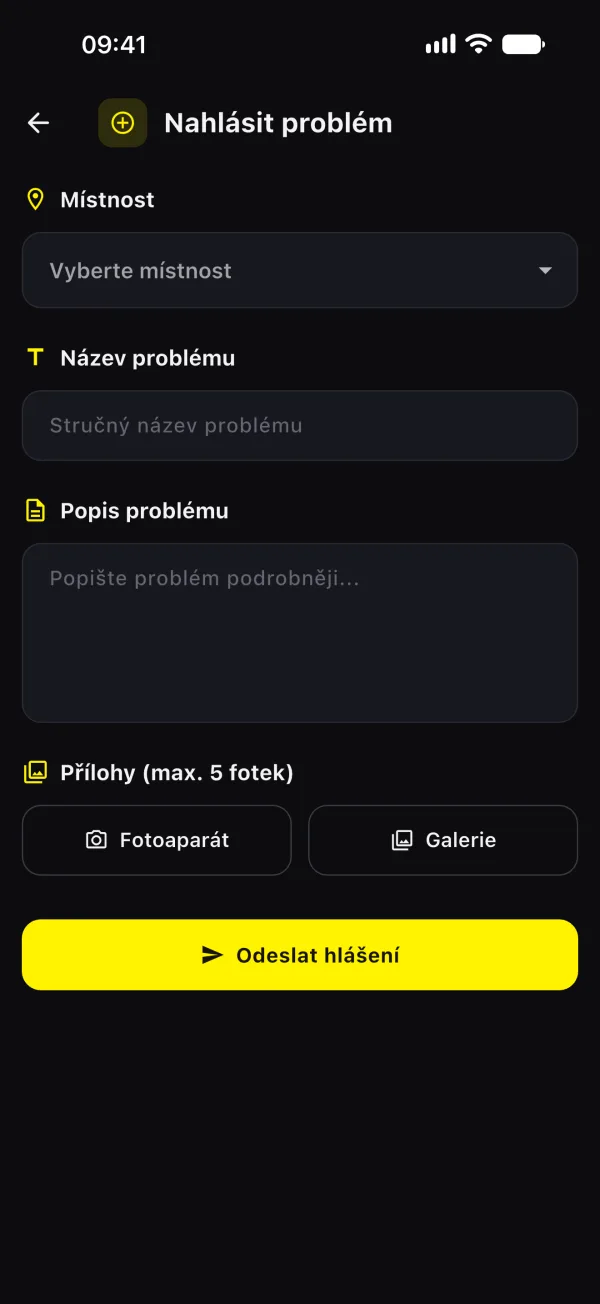
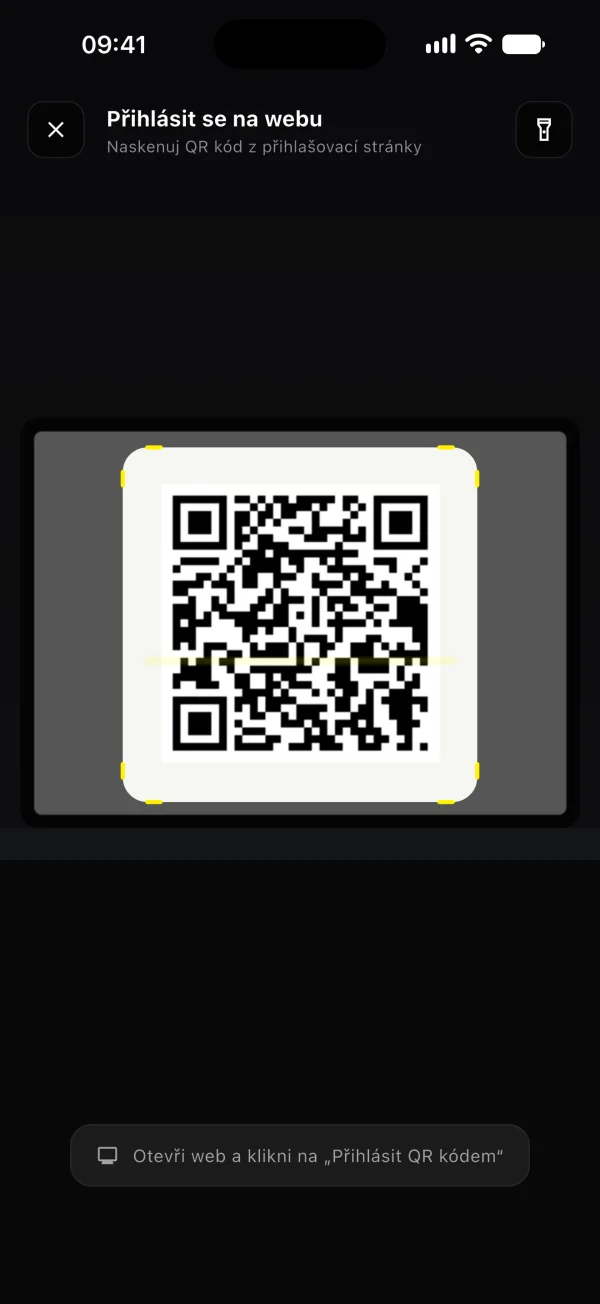
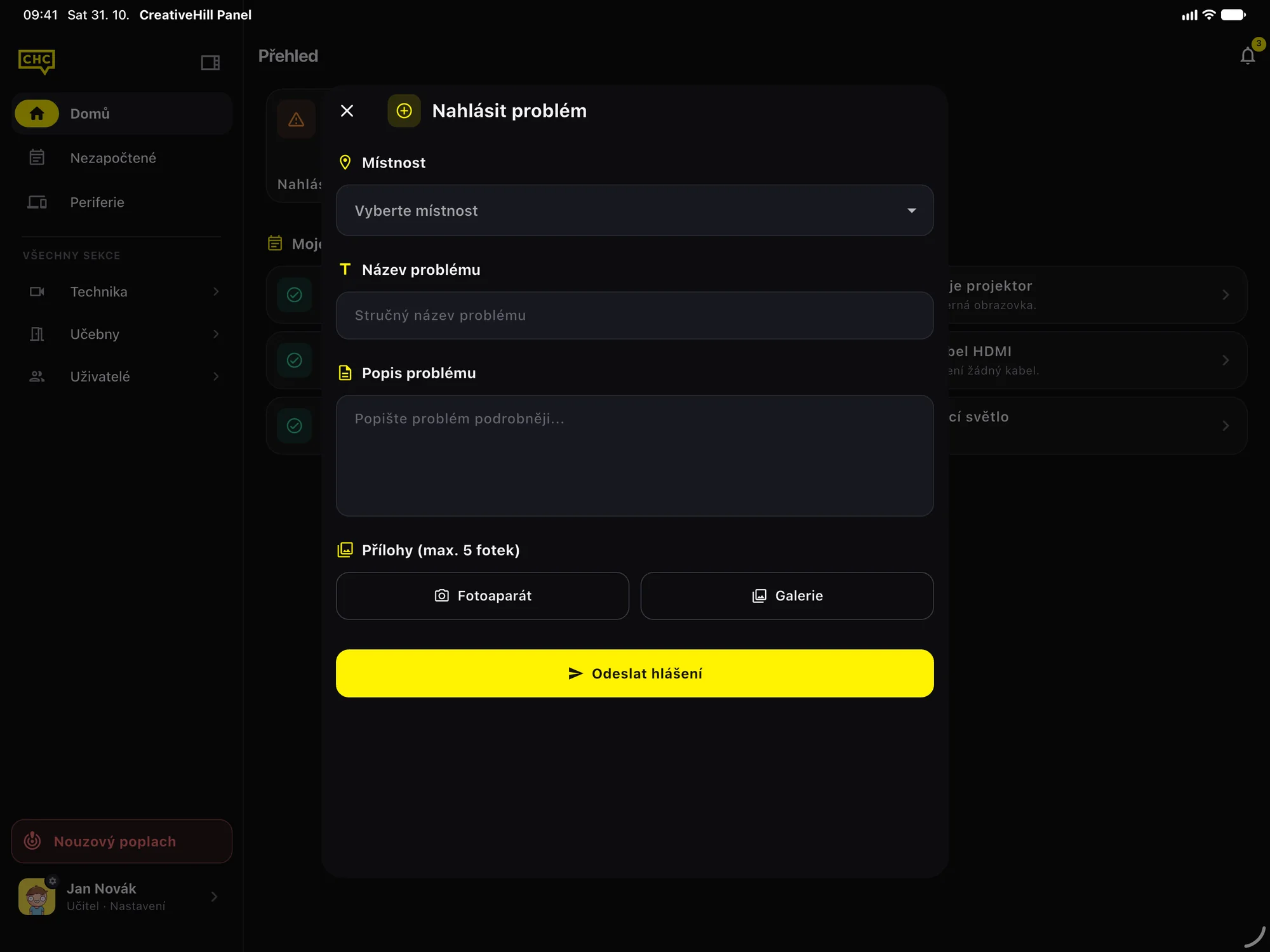
On a phone the app looks the way it always did: a bottom bar and screens that fill the display. Give it a wider window and it rearranges itself. On an iPad the bottom bar turns into a side rail, then a full sidebar in landscape, lists and their details sit side by side, and forms open in a sheet in the middle of the screen instead of stretching across it.
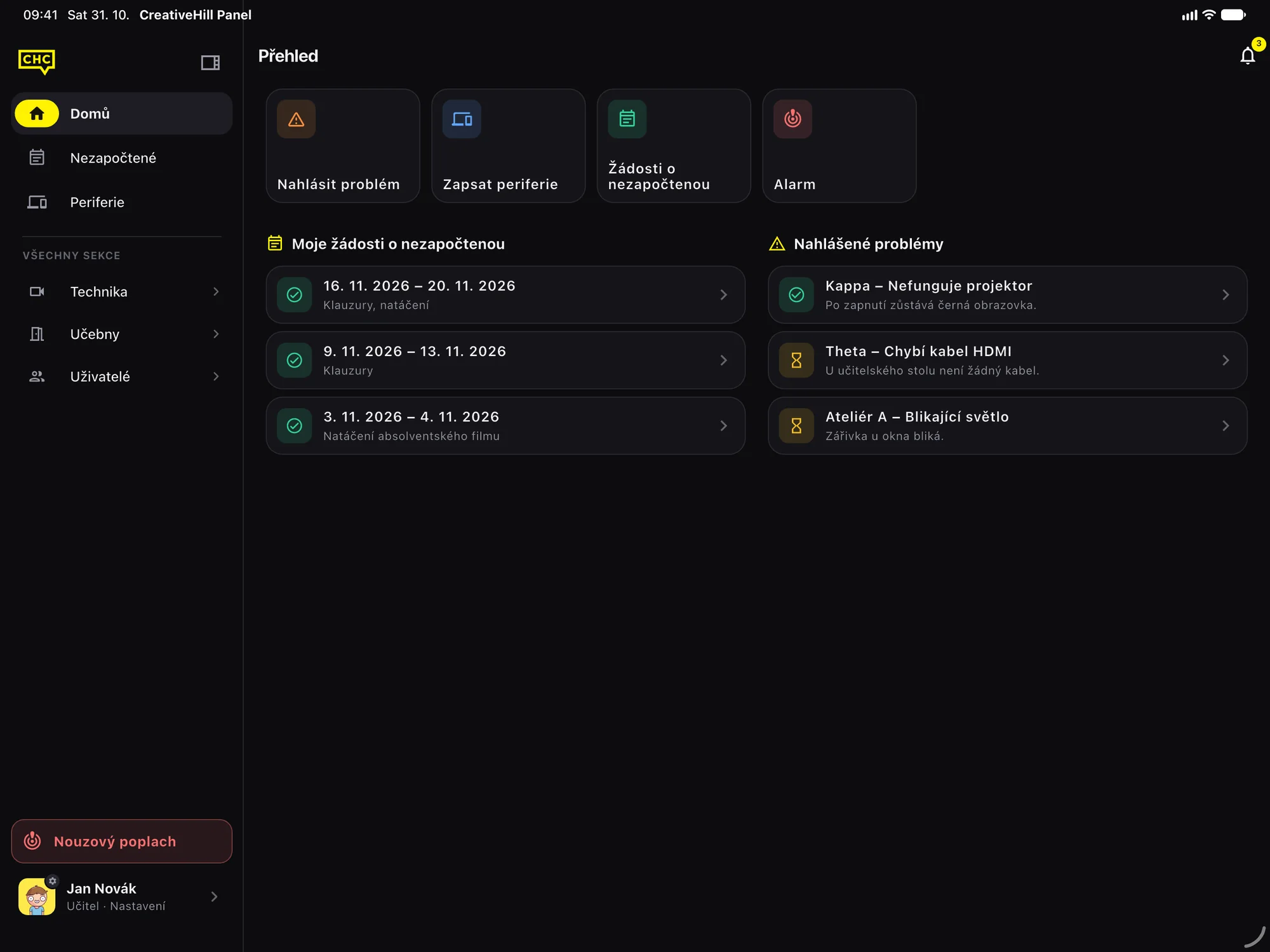
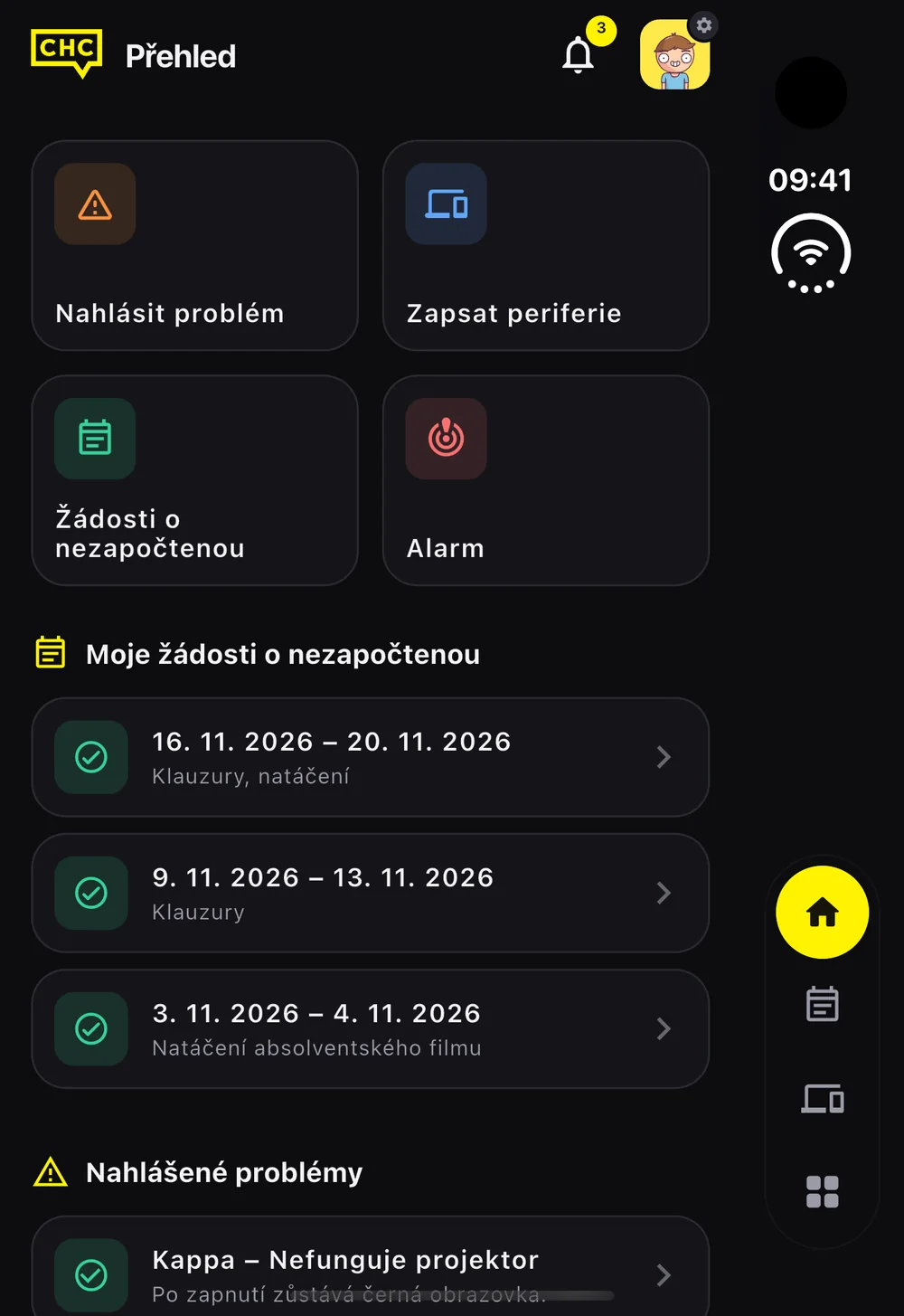
In October 2026 it learned the iPhone Duo. Folded, the outer display keeps a column on one side for the camera, the clock and the system icons, so the app moves its navigation into that column. Unfolded, the inner display gets the tablet layout, with the rental and the cart side by side.
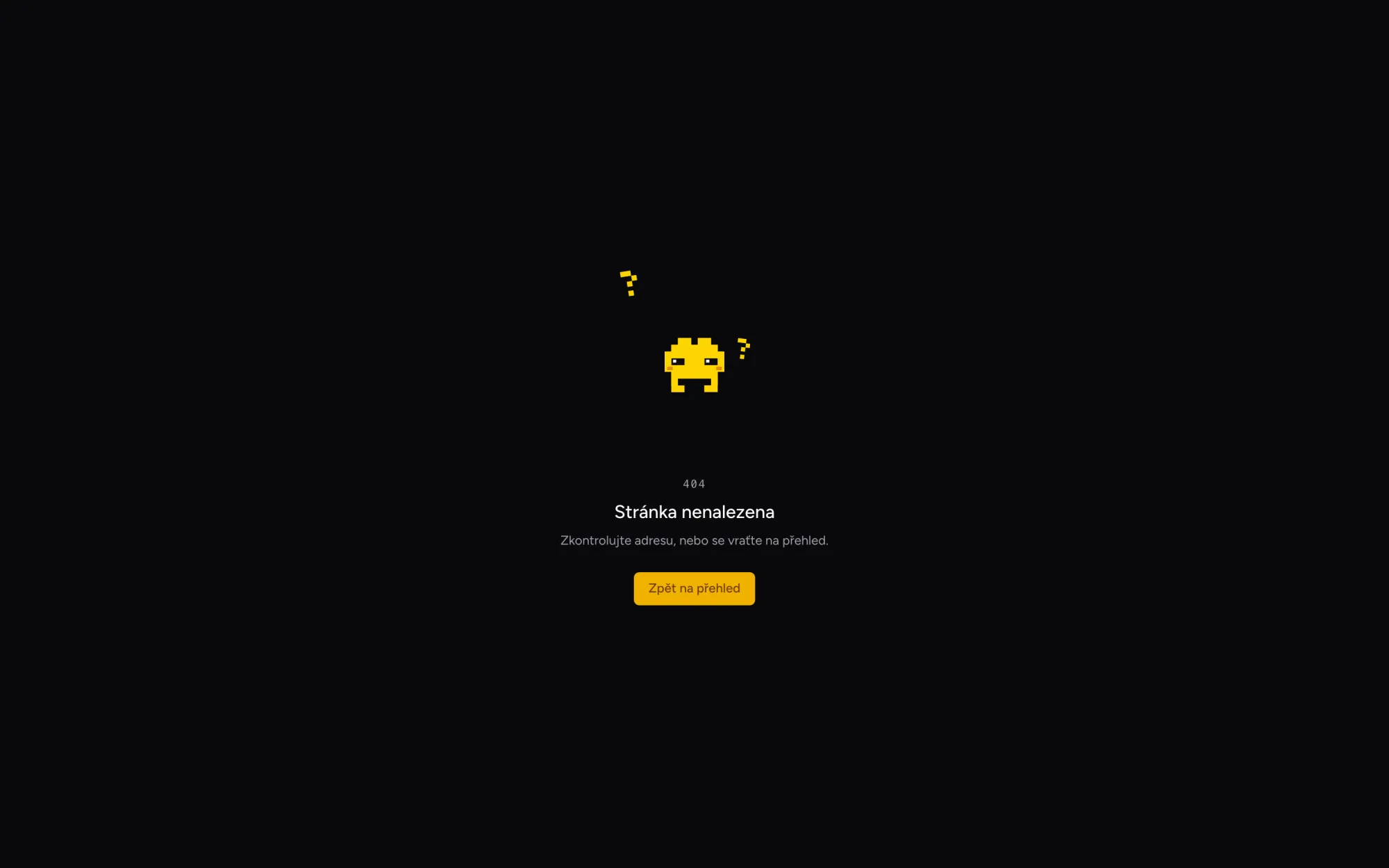
In September 2026 the panel got a mascot: a small yellow pixel creature animated in Lottie. The web and the app play the very same files, so it moves the same in a browser and on a phone. It paints the logo at login, keeps you company while the app starts, sits on empty lists, guards the 403, 404 and 500 pages on the web, holds a stop sign on the maintenance page and hangs on a bar when you pull a list down to refresh.
- Login
- Bounce
- Juggle
- Skate
- Treadmill
- Nothing here
- Stop
- No access
- Server error
- Pull to refresh
- Wind-up car
It comes with rules. The one with question marks appears only where an empty screen really is the message and where you came on your own, like an empty cart, a rental filter with no results or no notifications. Every other empty state kept its icon on purpose: good news such as no open problems should not look like something is missing, and nothing bounces on security screens, during an alarm or on the PIN lock.
Timing matters as much. On startup the app draws nothing for the first 250 milliseconds, so a fast start costs no time at all. When loading takes longer, one of the four loops is picked at random and stays for at least 750 milliseconds, so it never vanishes mid-jump. Pulling a list down scrubs the animation frame by frame under your finger, letting go plays a short intro and the loop runs until the data arrives. With reduced motion turned on, the loops stop on their first frame and the login logo jumps straight to its finished yellow state.
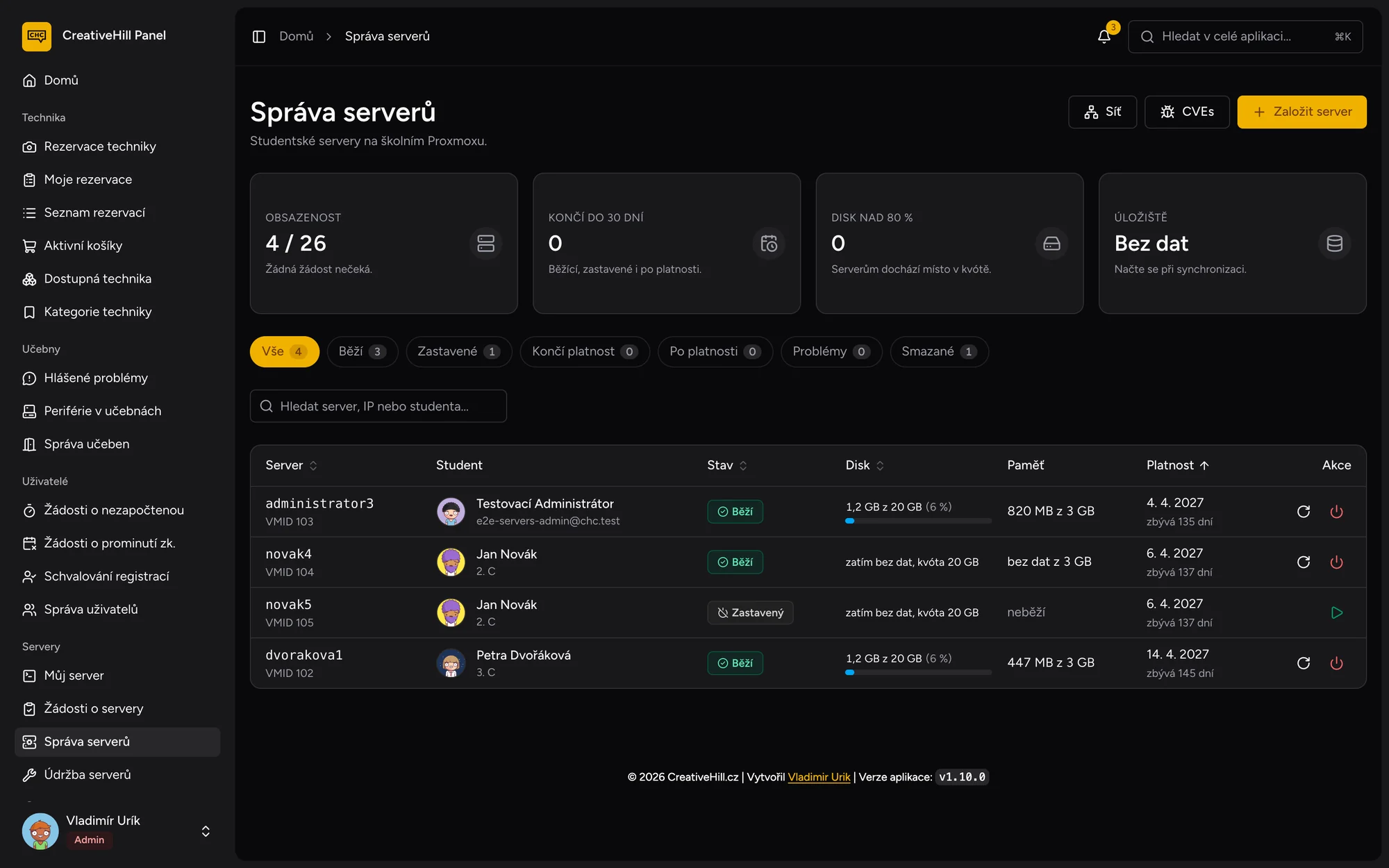
In October 2026 the panel learned to hand out servers. A student asks for one, an admin approves it and the school's virtualization creates a Linux server of their own, ready for a final project or a game server.
Not everything can be done through the virtualization API, so a small agent written in Go does the rest and sets every new server up. It has no dependencies beyond the standard library.
A school panel holds personal data about students, so security is part of every feature rather than a pass at the end. You sign in with a password, Google, a passkey or a QR code from the phone, and any account can add a second factor from an authenticator app. Sign-in attempts are rate limited, and every request goes through the same checks on the server. The interface hides what you cannot use, but only the server decides. Sensitive actions such as exports land in an audit log that only administrators can read.
Some parts of the platform are left out of this story on purpose, for security reasons.
For a school with a few hundred users, speed of development mattered more than raw throughput. Benchmarks put Spring Boot and Go frameworks far ahead of Laravel, but Laravel came with authentication, roles, queues, PDFs, mail and notifications built in. Inertia keeps routing and authorization on the server and hands the data straight to React, so pages arrive without loading skeletons.
Boring does not mean it can't grow. The platform is built to scale, and some parts of it already scale on their own when the load goes up.
- commits across the web, mobile, desktop and agent repositories
- 1,100+
- lines of PHP, TypeScript, Dart, Go and Rust
- 285k
- platforms from one backend: web, iOS, Android, macOS and Windows
- 5